Inkscape : How to create a photo frame ?
First downloadthe English version ofInkscapewhich is awonderful version0.48 andis very effective againstthecompetitionPaying.
http://adf.ly/1959792/inkscape.org/download/?lang=en
we will achieve this type of drawing:

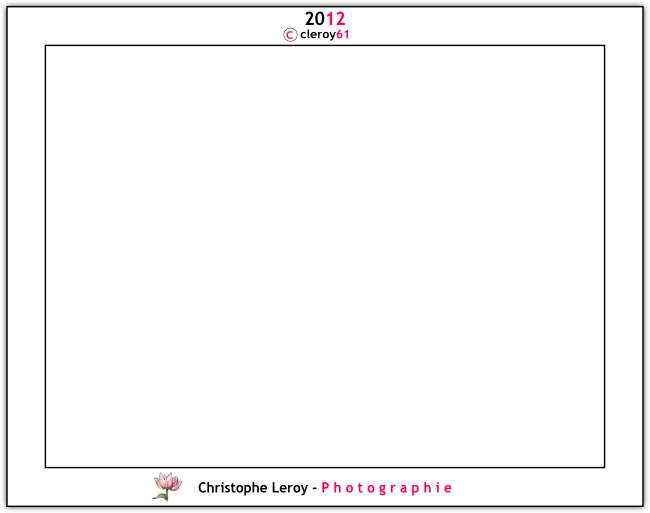
Draw a rectangle L 810 x H 610 px. Put inside a 800x 600 image.
Duplicate it (or ctrl d), increase this rectangle to L 930 x H 730 px. On dropdown area, click on page. Click on two icons to center your rectangle.
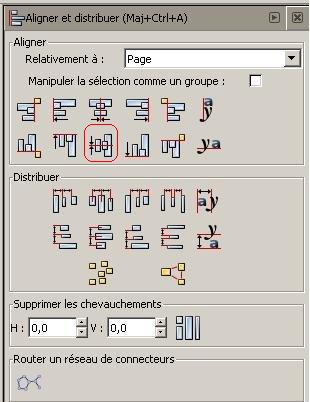
MAJ ctrl A key to open 4th button on the right :

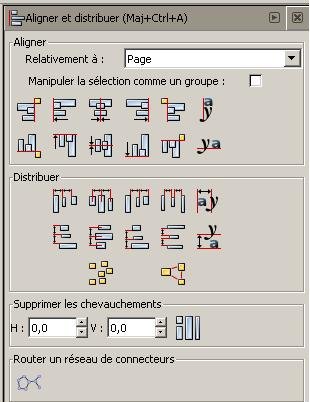
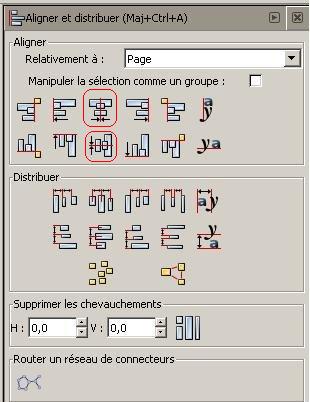
Again, click on rectangle to L 930 x H 730 px, duplicate it (ctrl d) and go to picture below, put 0.5 in flou area (blur). first left icon :
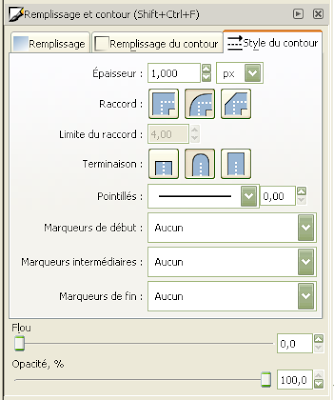
and below, put it down with the first left icon :

Center it like below.
Below, click on A| icon, and begin to write like me where you want : cleroy61.
Highlight the2 digits andapply color, to mepink.cleroy61
Note : You can use bold button

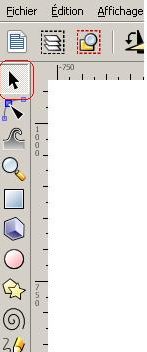
Now, click on arrow icon (or F1) and click on cleroy61.
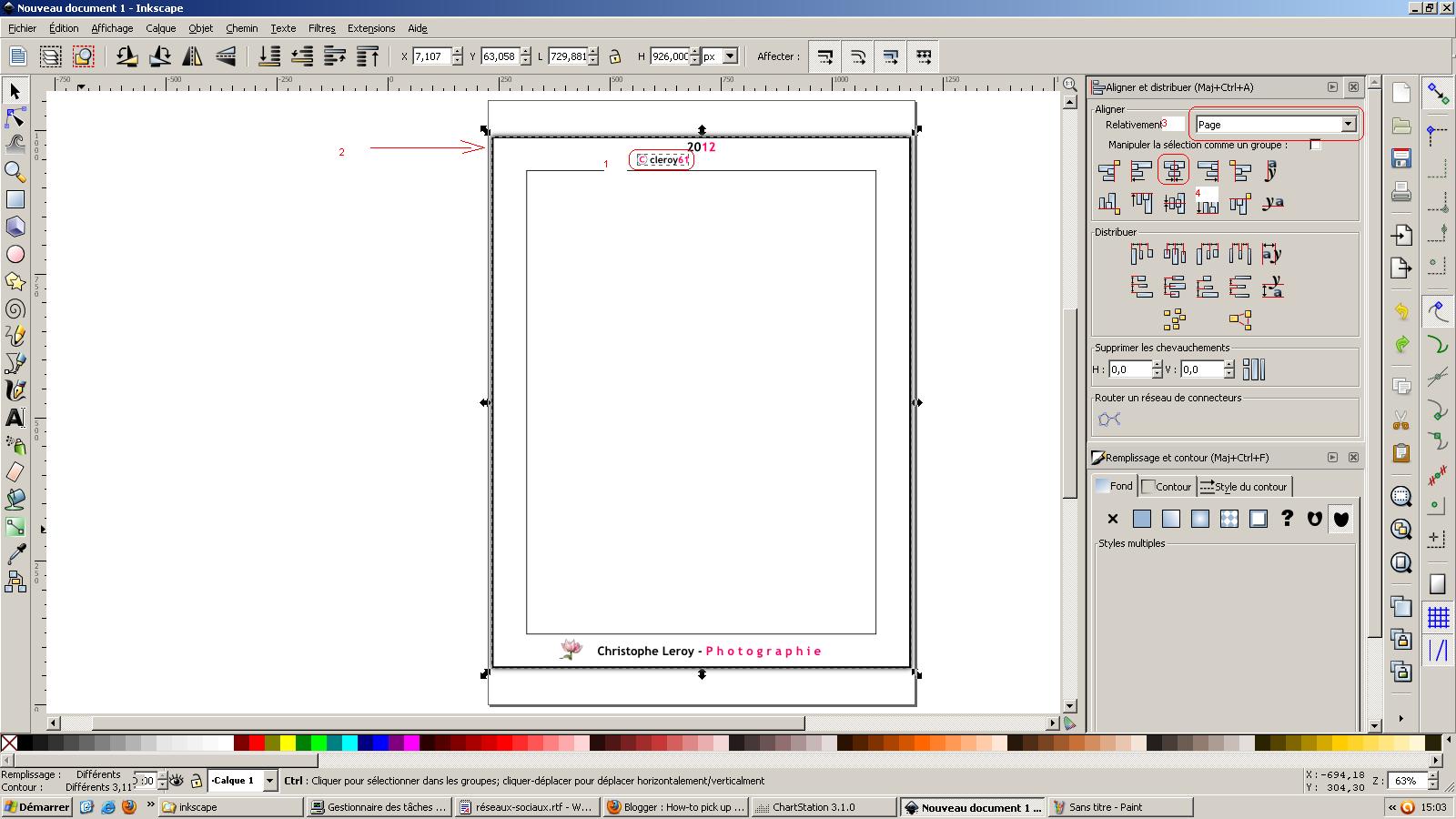
Now, cleroy61 object, and press ctrl key with the L 930 x H 730 px rectangle :
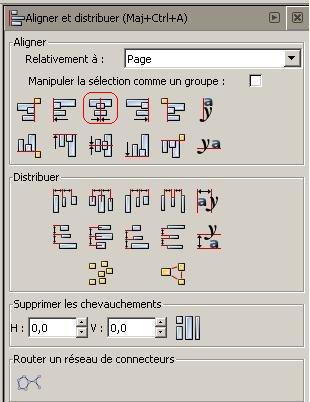
Go to "MAJ ctrl A" key to open 4th button on the right to center both objects :
Now same thing with year : 2013
Highlight the last 2 digits andapply color, to mepink. 2013
Note : You can use bold button
Now, click on arrow icon (or F1) and click on cleroy61 2013 and click on center. If you want to try this press ctrl cleroy61 object and move it where you want. You see this object move only in his vertical line.
Don't forget copyright icon with c letter and a circle ; group them togeter ;
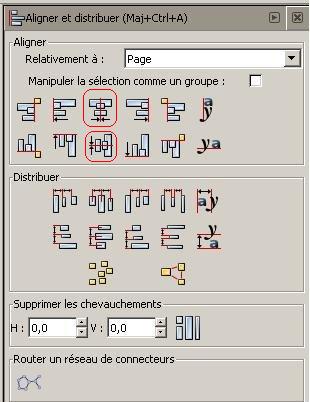
Note : If you don't see it, click on right icon
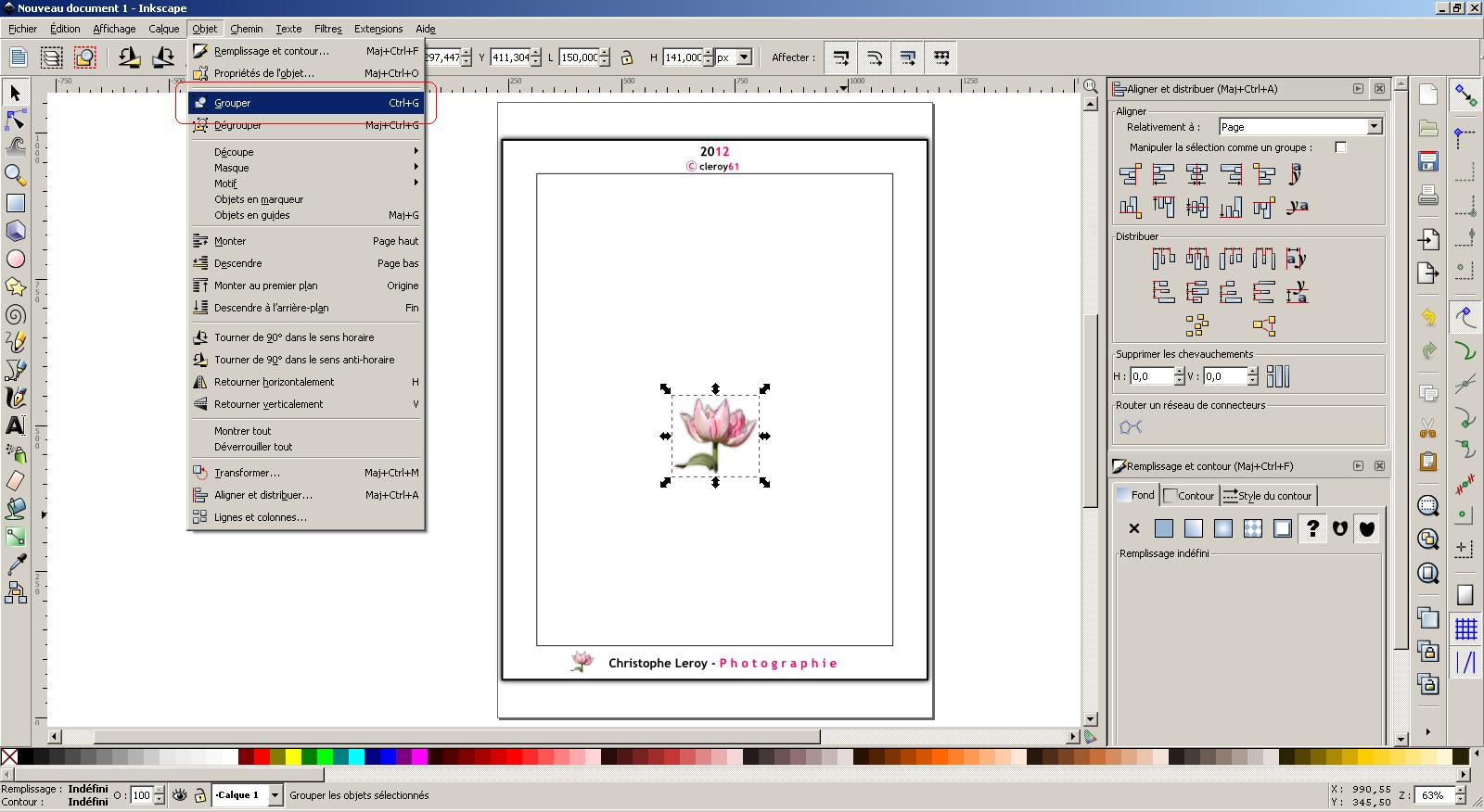
Now, in the bottom, same thing with your first and last name : Christophe Leroy - Photographie
Highlight the last word (photographie) andapply color, for mepink.
Christophe Leroy - Photographie
Note : You can use bold button
Click on arrow icon (or F1) and click on Christophe Leroy - Photographie object and click on center button.
I also like to add a image as a logo beside my name : Take a flower jpg, your initials, a draw etc ... from your computer.
Drag and drop on inkscape icon, click incorporate and OK !

Below, press on ctrl key on arrow corner of the object to reduce size like a thumbnail :

Click on the arrow key and select tulip thumbnail object and "christophe Leroy - photographie " object and click on horizontal center button like below :
This both object can be grouped :
Now, take all frames and objects, and group them.
This result :
NOTE : Don't forget to "save as" into a SVG Inkscape file.
Now, open Files, and Export to a bitmap (Maj Ctrl E). Verify pixels
Oneobject variantingrayand greenfluorescent :

24/09/2012 - Views: 41 | Earned: $0.02 | Stars: 5
*****